Superpowers
35 apps inside one app.
Turn on what you use.
A superpower is a full app that lives inside OmniGet. Each one is a card on the Superpowers page, and the ones you do not use can be turned off in Settings.
- Local Runs entirely on your computer.
- Sign-in Uses your own account.
- Browser Works through OmniGet's built-in browser.
- MCP Your AI agents can use it too.

Media
Players and libraries for the music, video, books and photos you already have.
-
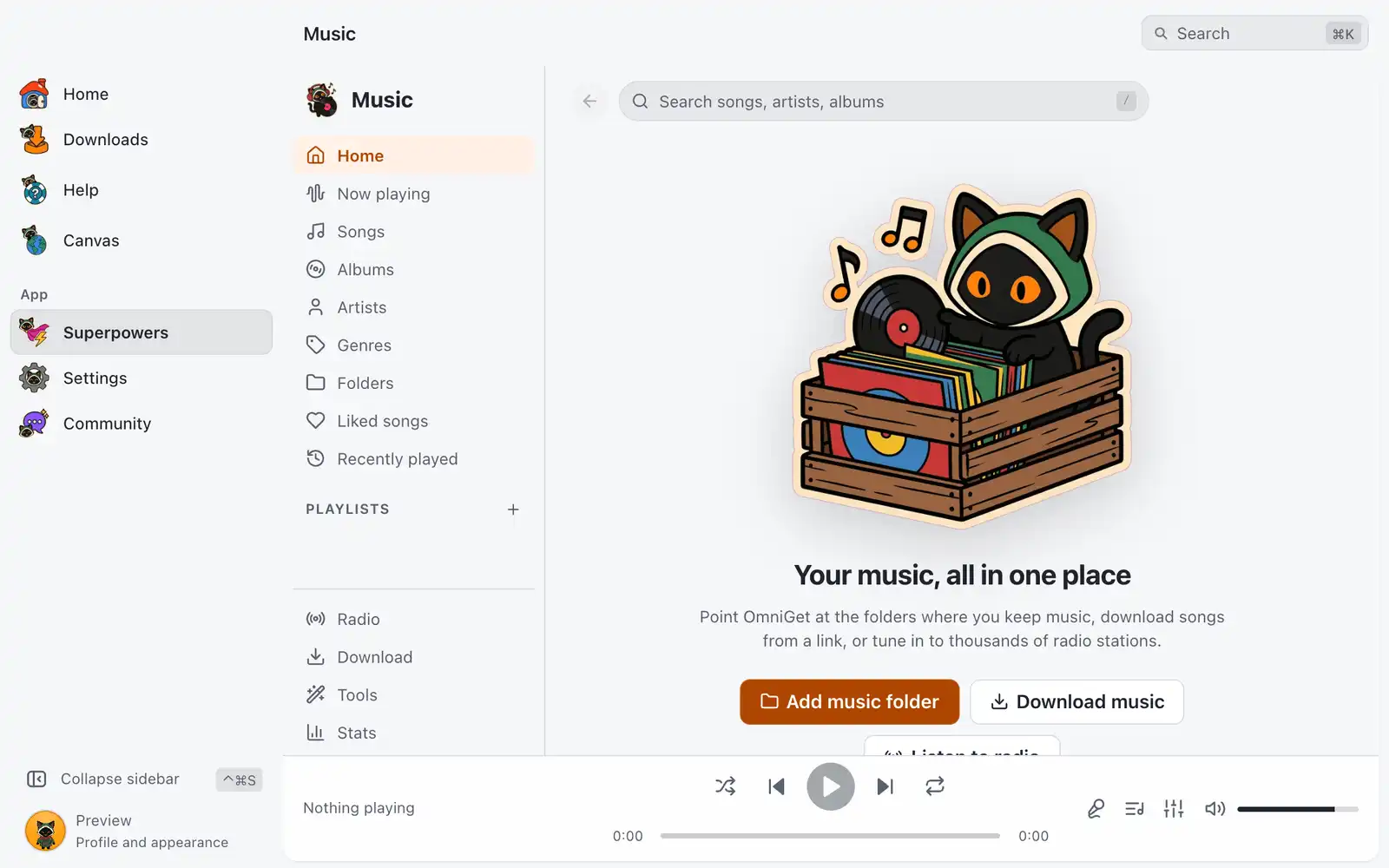
Music
Your music library with a full player: synced lyrics, equalizer, volume leveling, radio, downloads and batch tools.
-
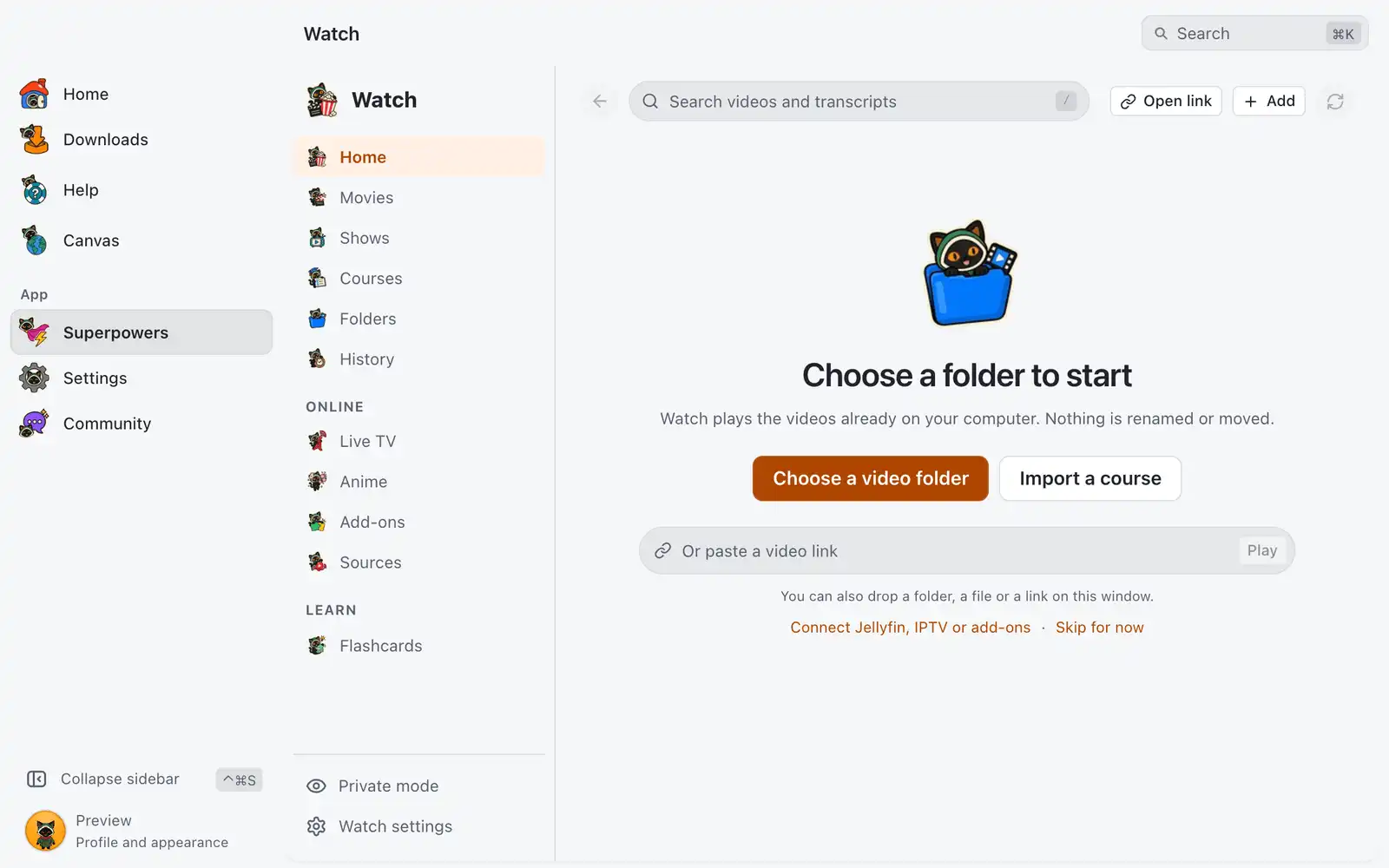
Watch
Movies, shows, lessons from your own folders and live TV in one player, with progress, notes, transcripts and flashcards; Jellyfin, IPTV and add-ons as sources.
-
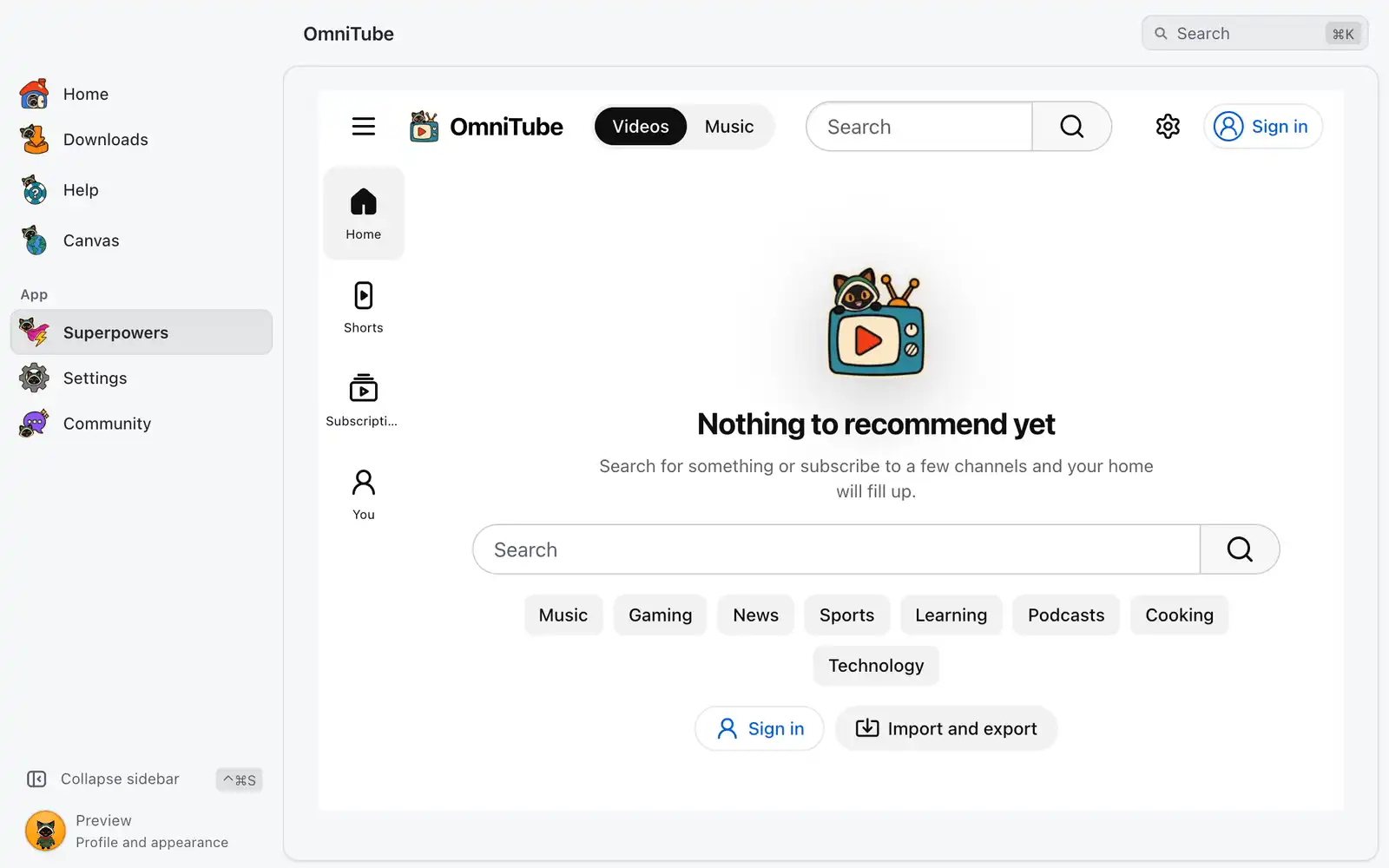
OmniTube
YouTube and YouTube Music in one place, with your own account: no ads, SponsorBlock, no Shorts if you want, downloads in the same quality menu, and subscriptions without an account.
-
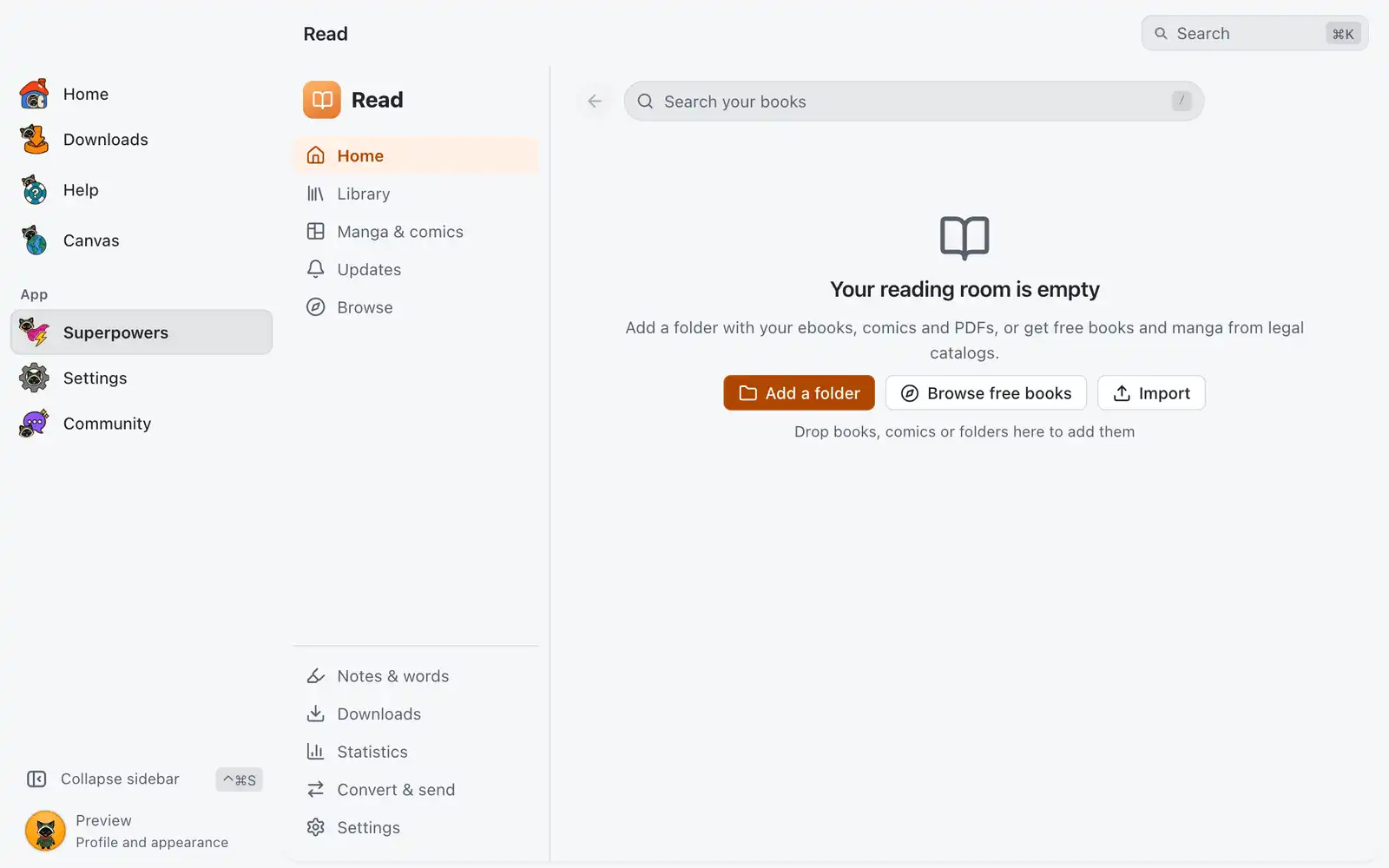
Read
Books, comics and manga: your library with a full reader, free legal catalogs, followed series, conversions and e-reader sync.
-
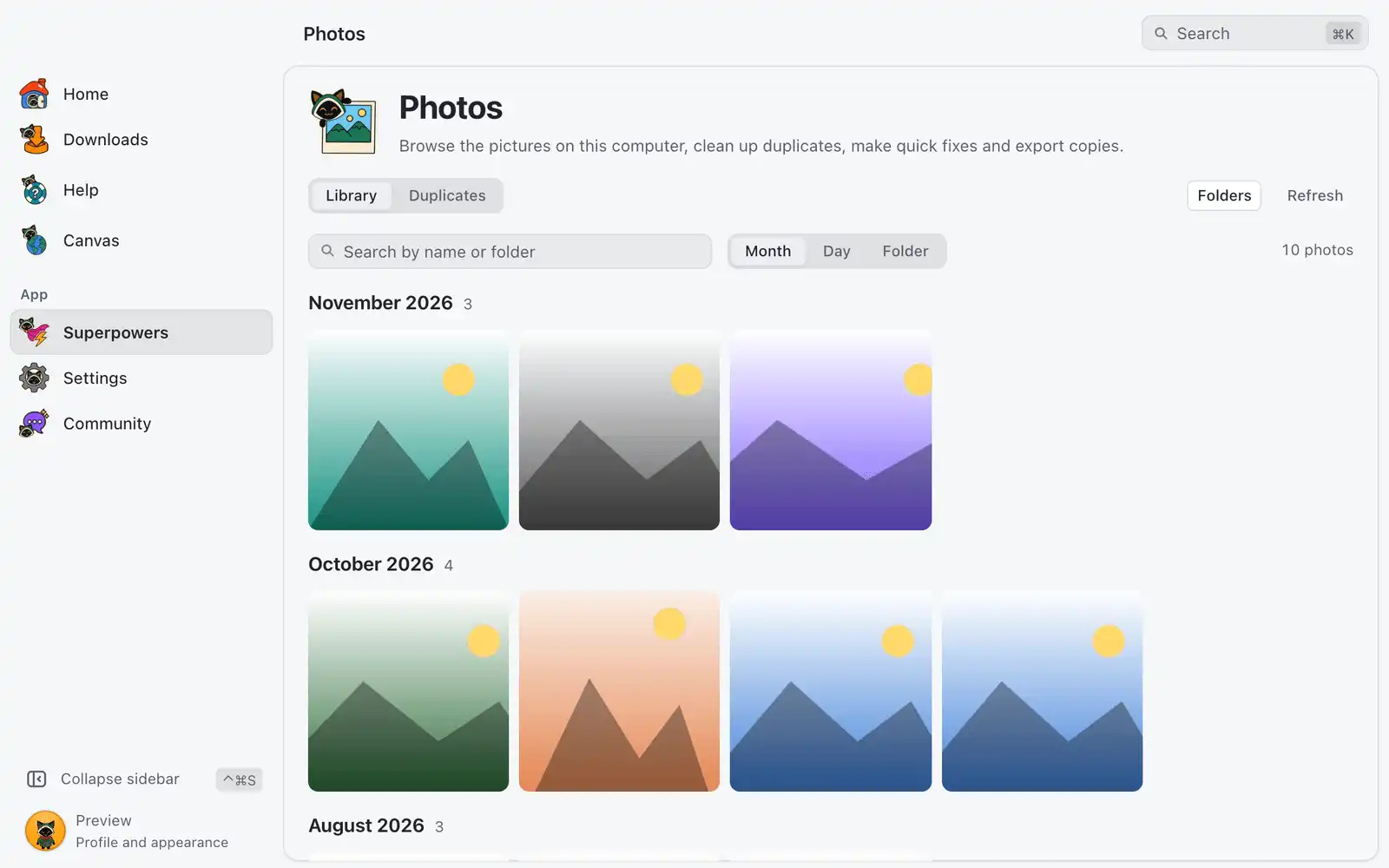
Photos New in 1.0.1
A fast gallery of the pictures on this computer, including iPhone photos (HEIC), camera RAW and Photoshop files. Find duplicates and look-alikes, make quick fixes without touching the original, and export one or many at once.

Download
For what a pasted link cannot reach: pages behind a login and your own chats.
-
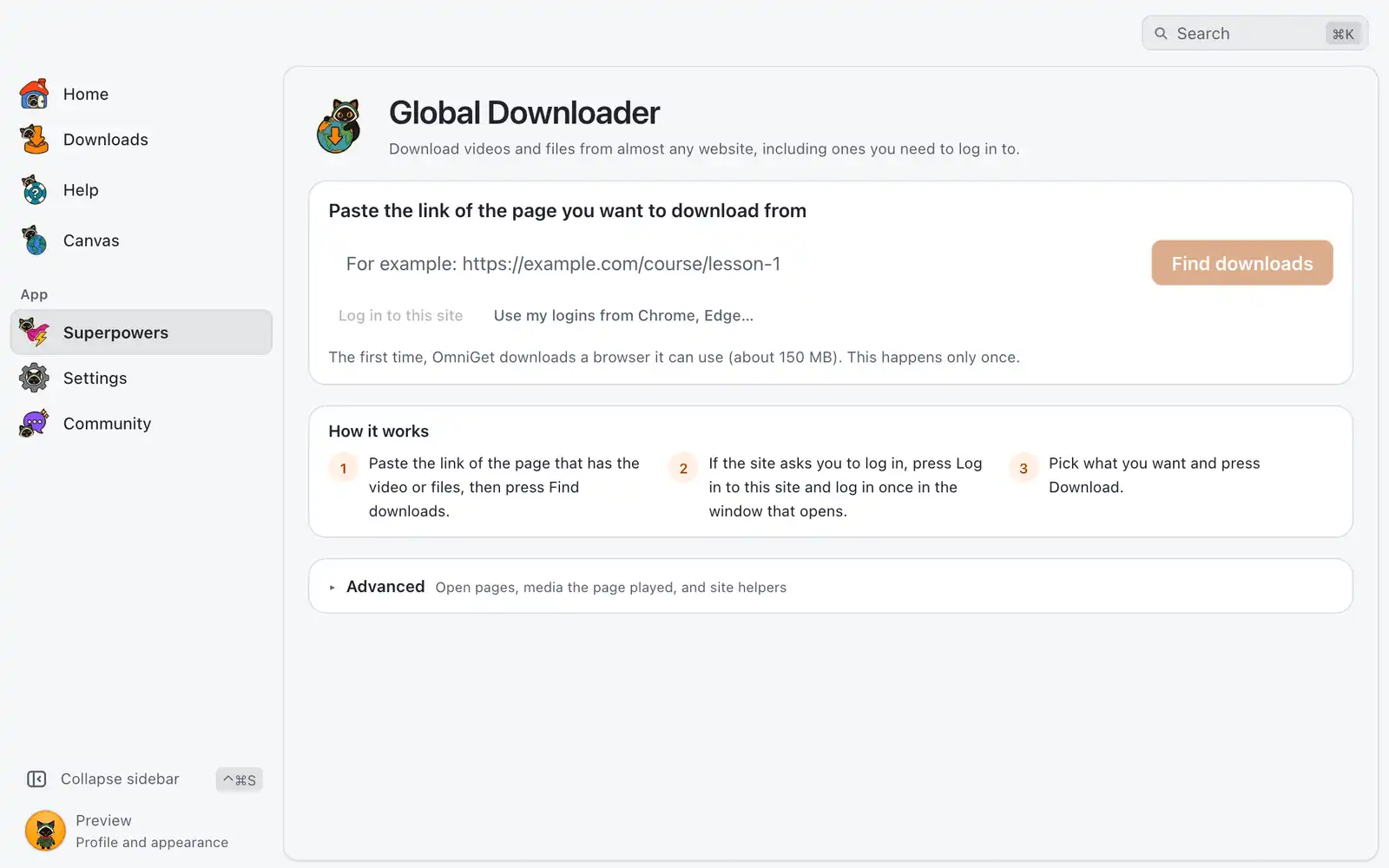
Global Downloader
Log in, browse and download from any site: a browser OmniGet controls, a media sniffer on every tab and connectors for whole collections.
-
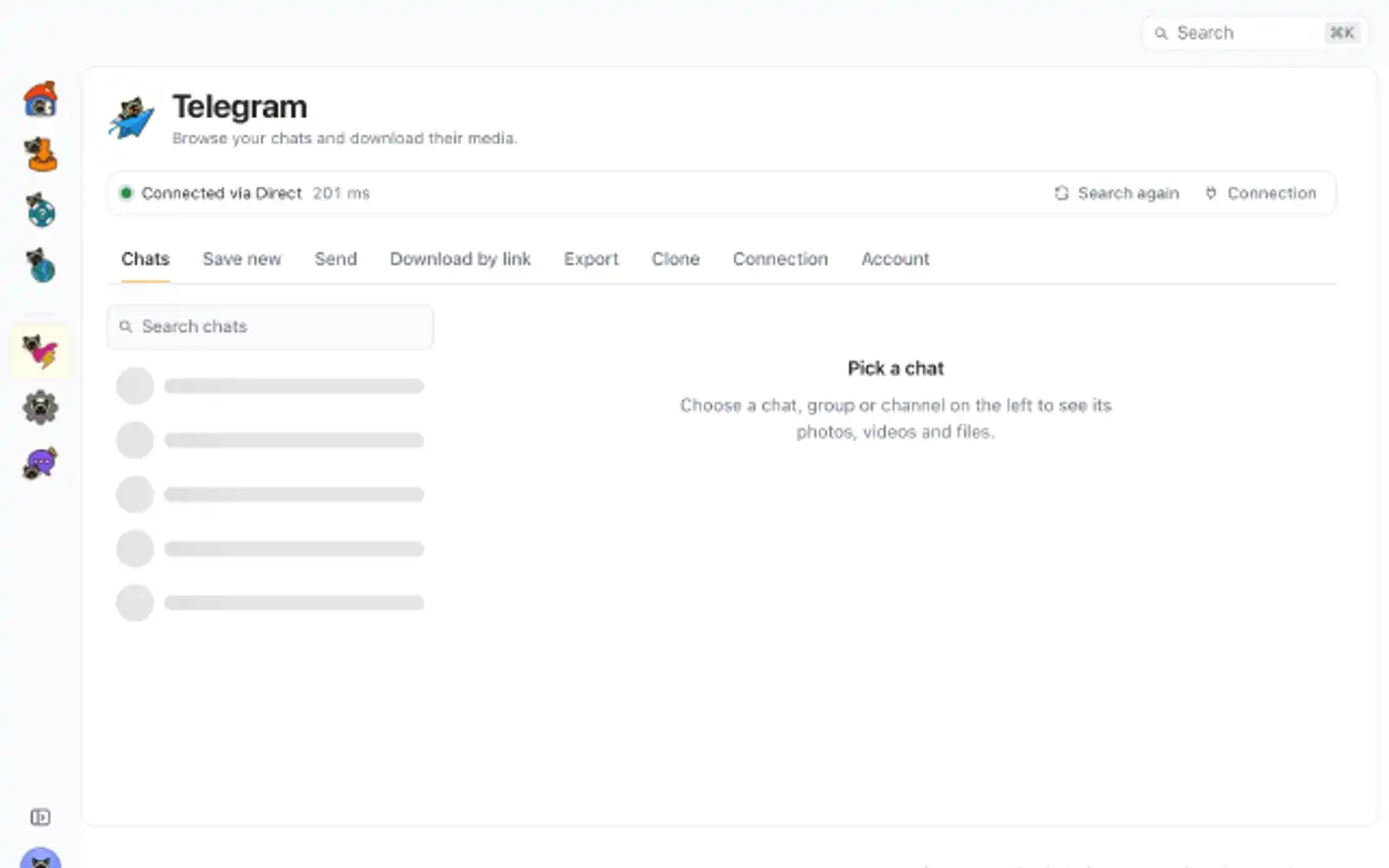
Telegram
Download media from your Telegram chats and channels, with a connection that finds its own way through blocks and proxies.

Create
Convert, cut, caption and record. The files stay on your computer.
-
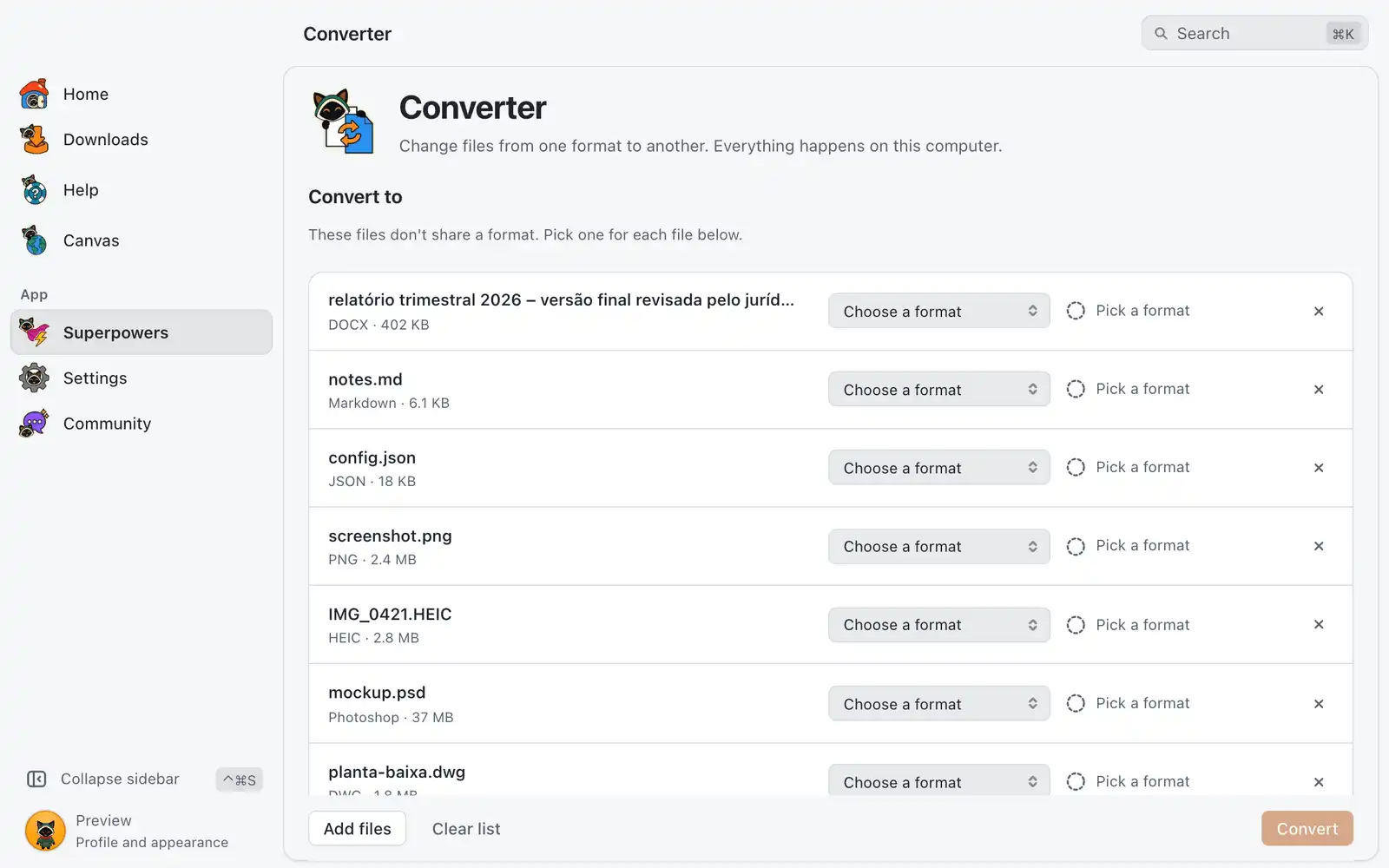
Converter New in 1.0.1
Convert data, documents, images, drawings, audio and video between formats on this computer. Opens iPhone photos (HEIC), Photoshop files and camera RAW, and turns pictures into SVG. Uses ffmpeg, Pandoc, ImageMagick or LibreOffice when they are installed.
-
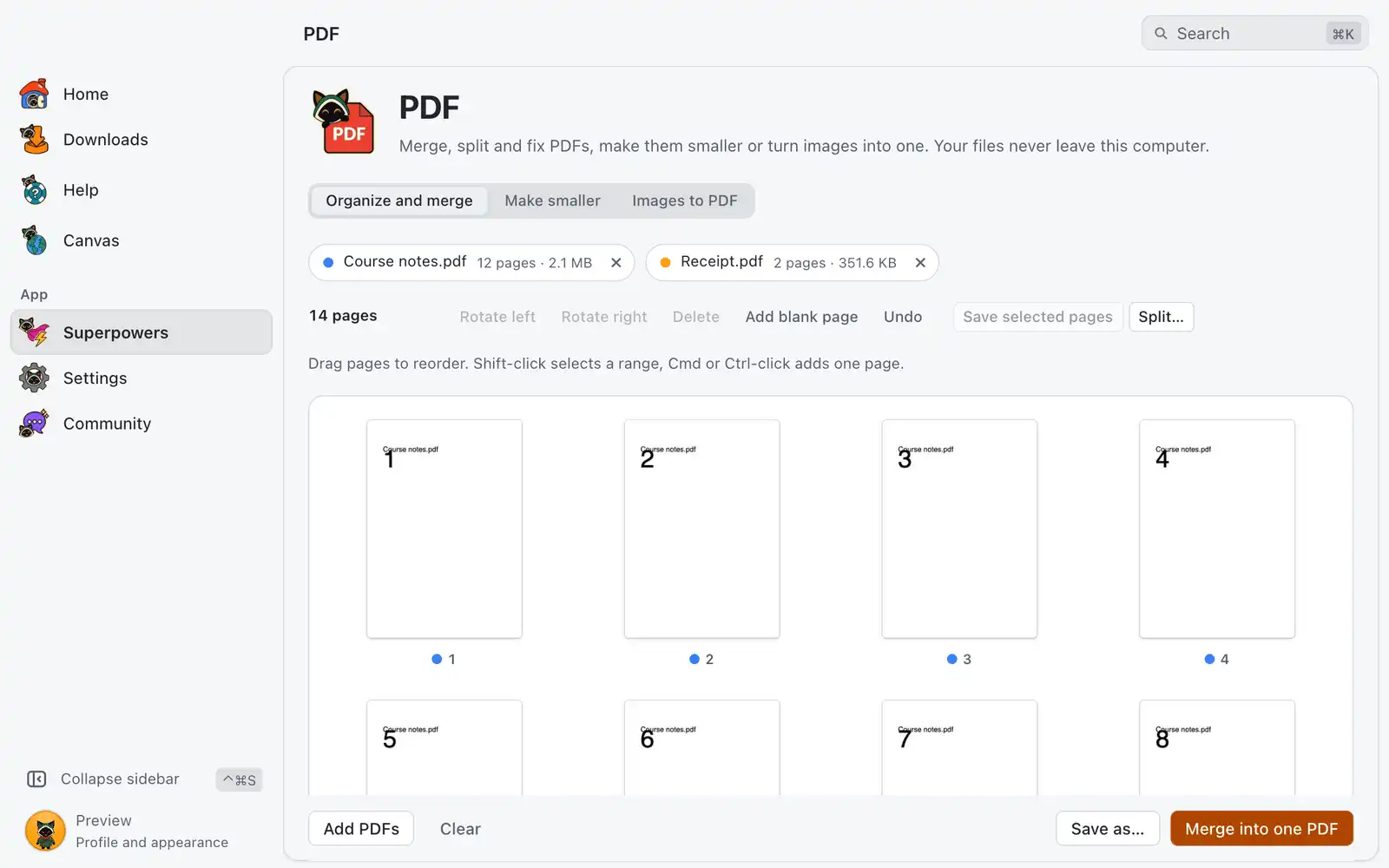
PDF New in 1.0.1
Merge, split, reorder, rotate and shrink PDFs, or turn images into a PDF. Everything happens on this computer.
-
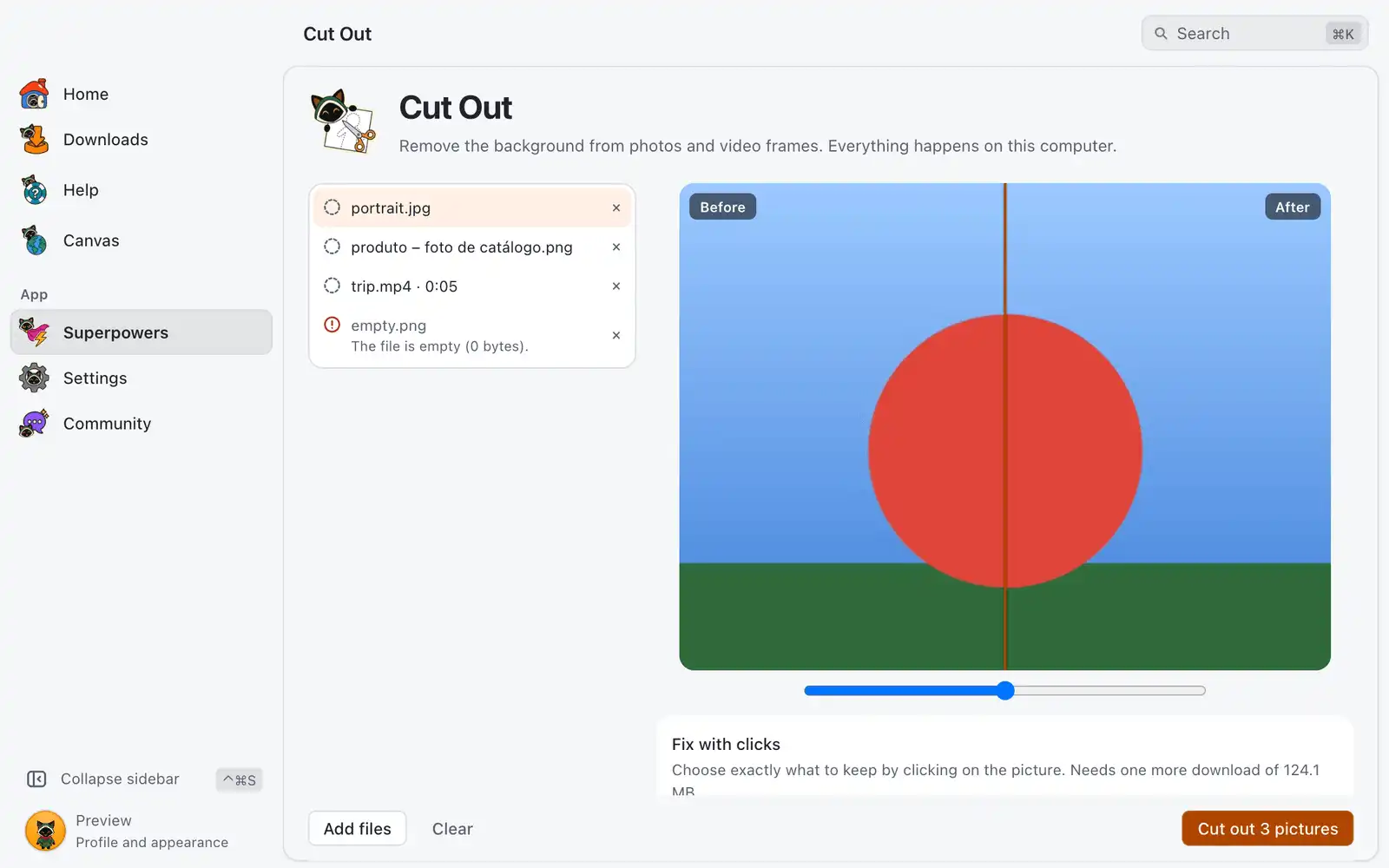
Cut Out New in 1.0.1
Remove the background from photos and video frames and get a transparent PNG. Runs on this computer.
-
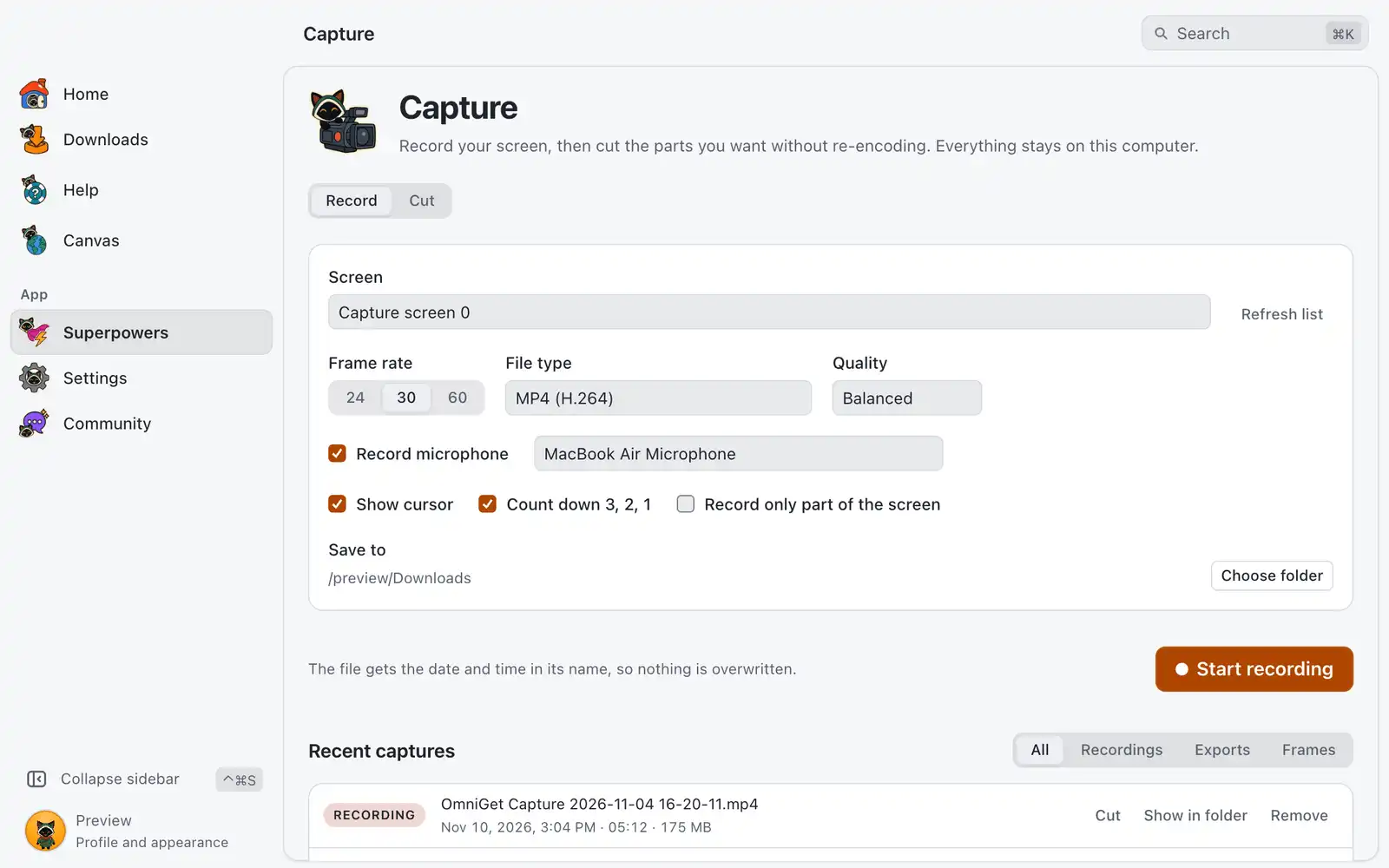
Capture New in 1.0.1
Record your screen and cut videos instantly, without losing quality.
-
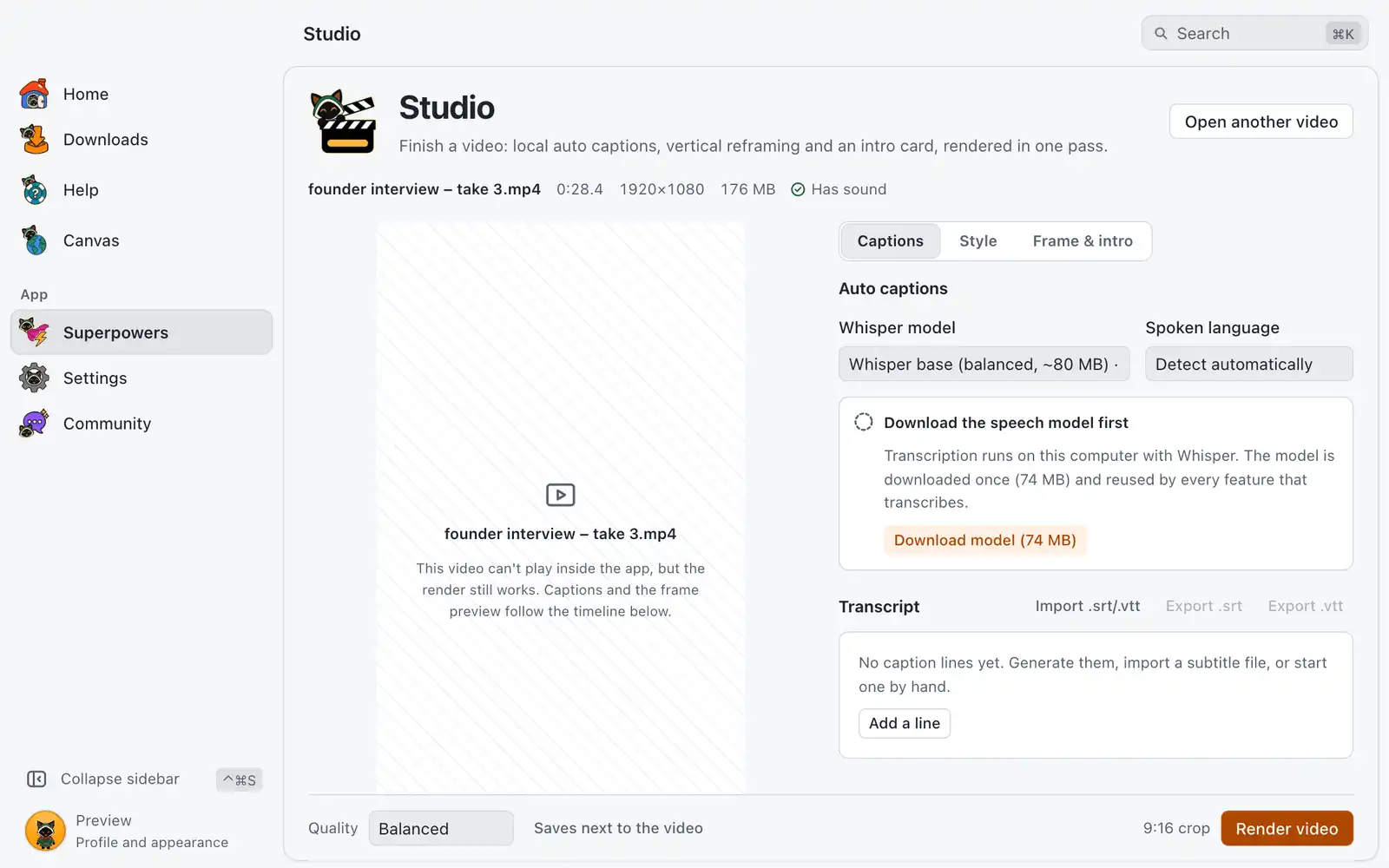
Studio New in 1.0.1
Caption, reframe and title your videos locally, then render one finished video.
-
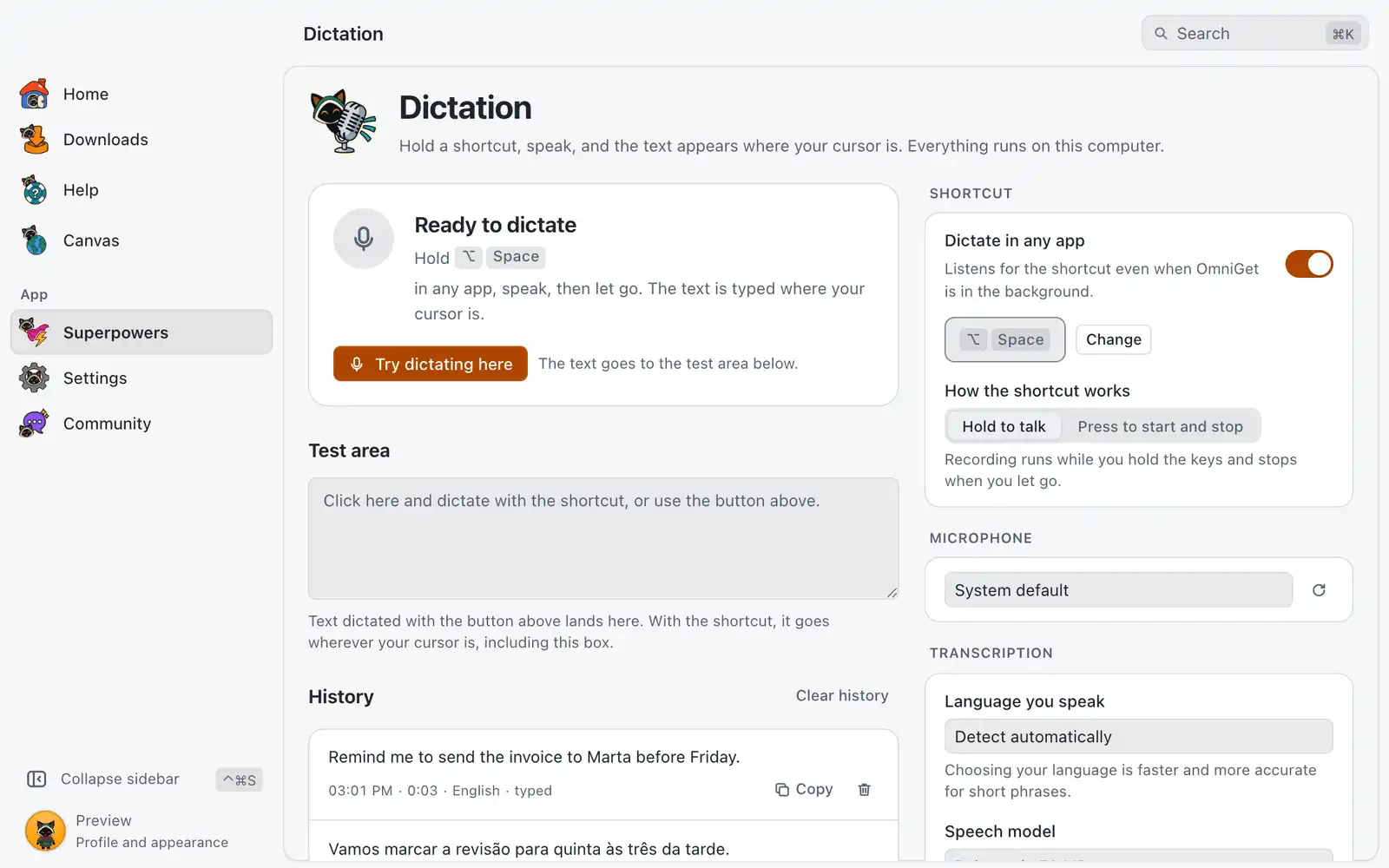
Dictation New in 1.0.1
Hold a shortcut and speak to type in any app, transcribed on your computer.
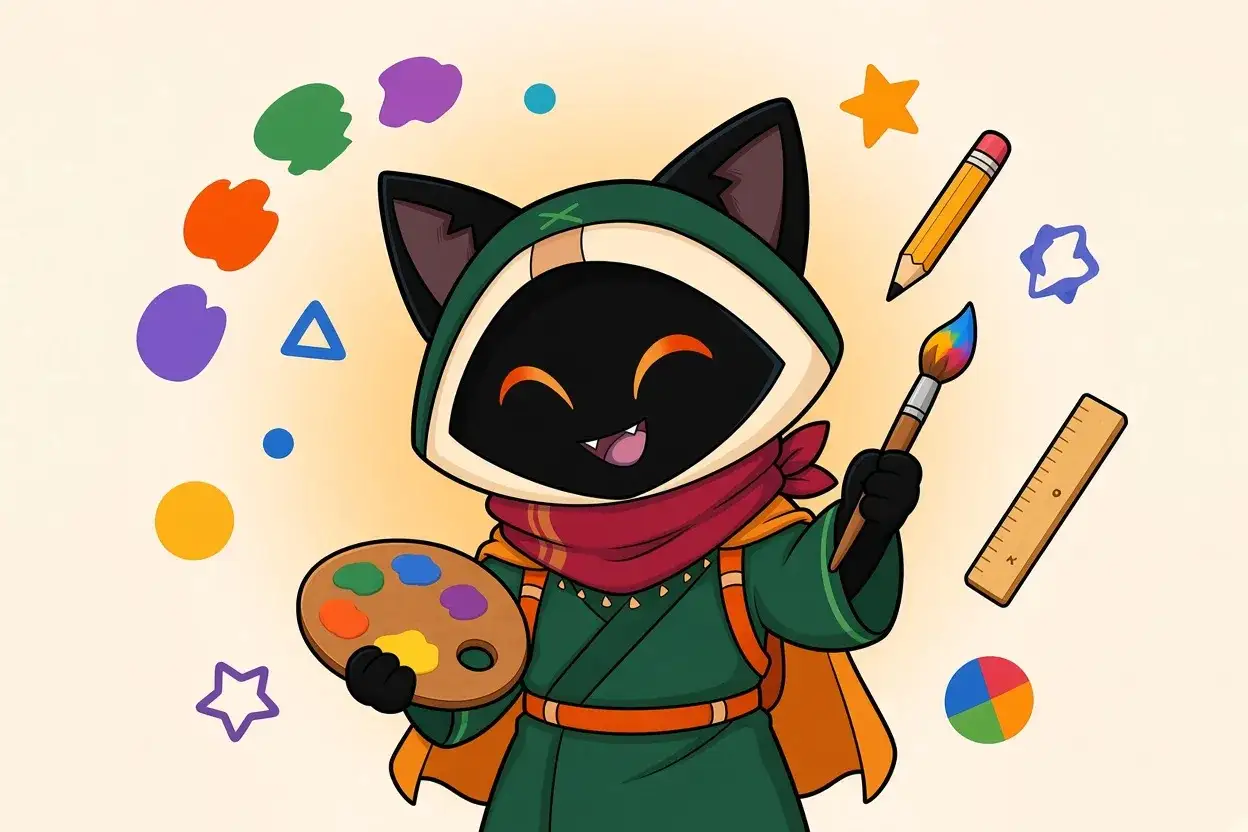
Design
A color workshop, fonts, icons, motion, a whiteboard and component registries.
-
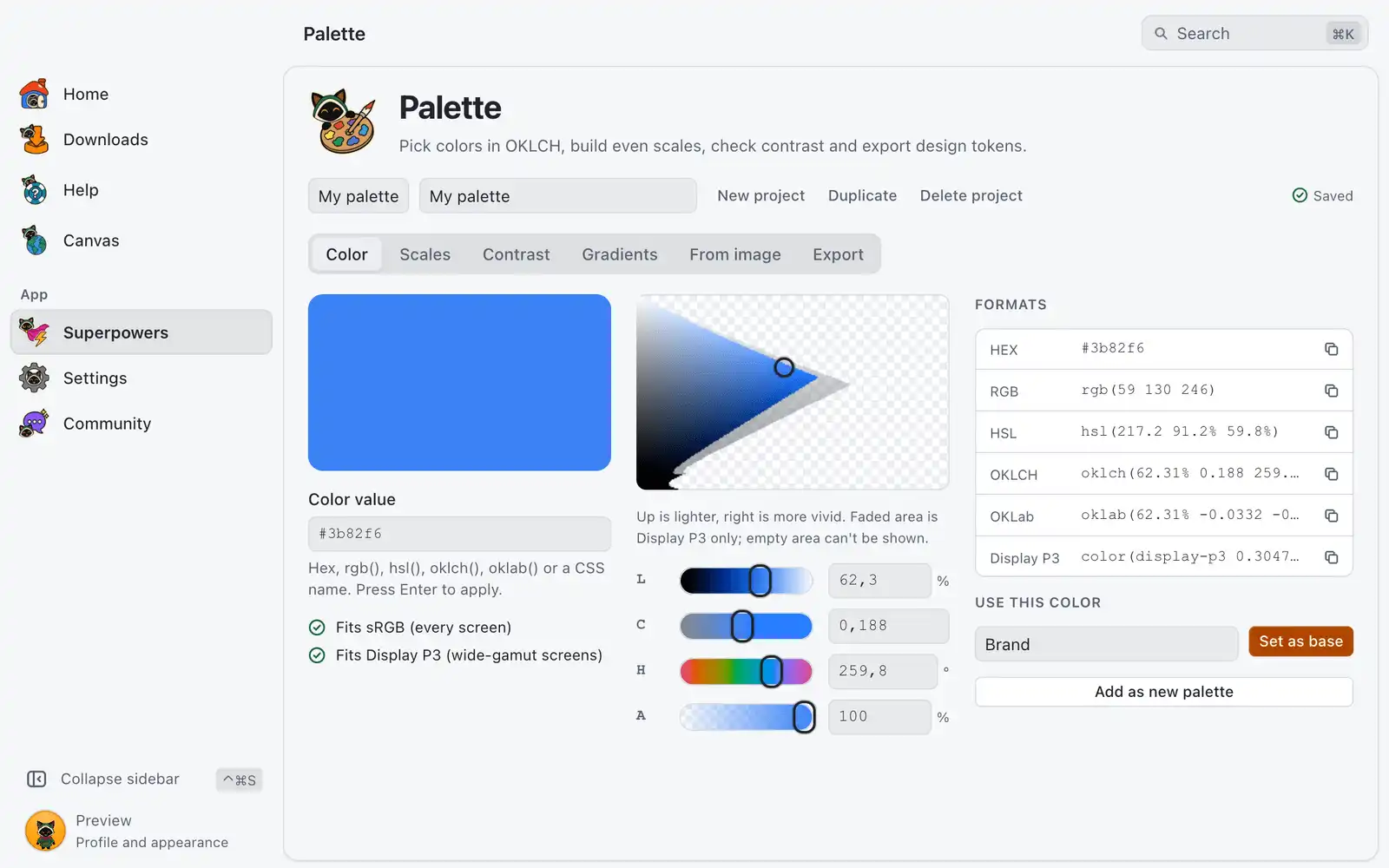
Palette New in 1.0.1
Color workshop: OKLCH picker, even scales, contrast checks, gradients and design tokens.
-
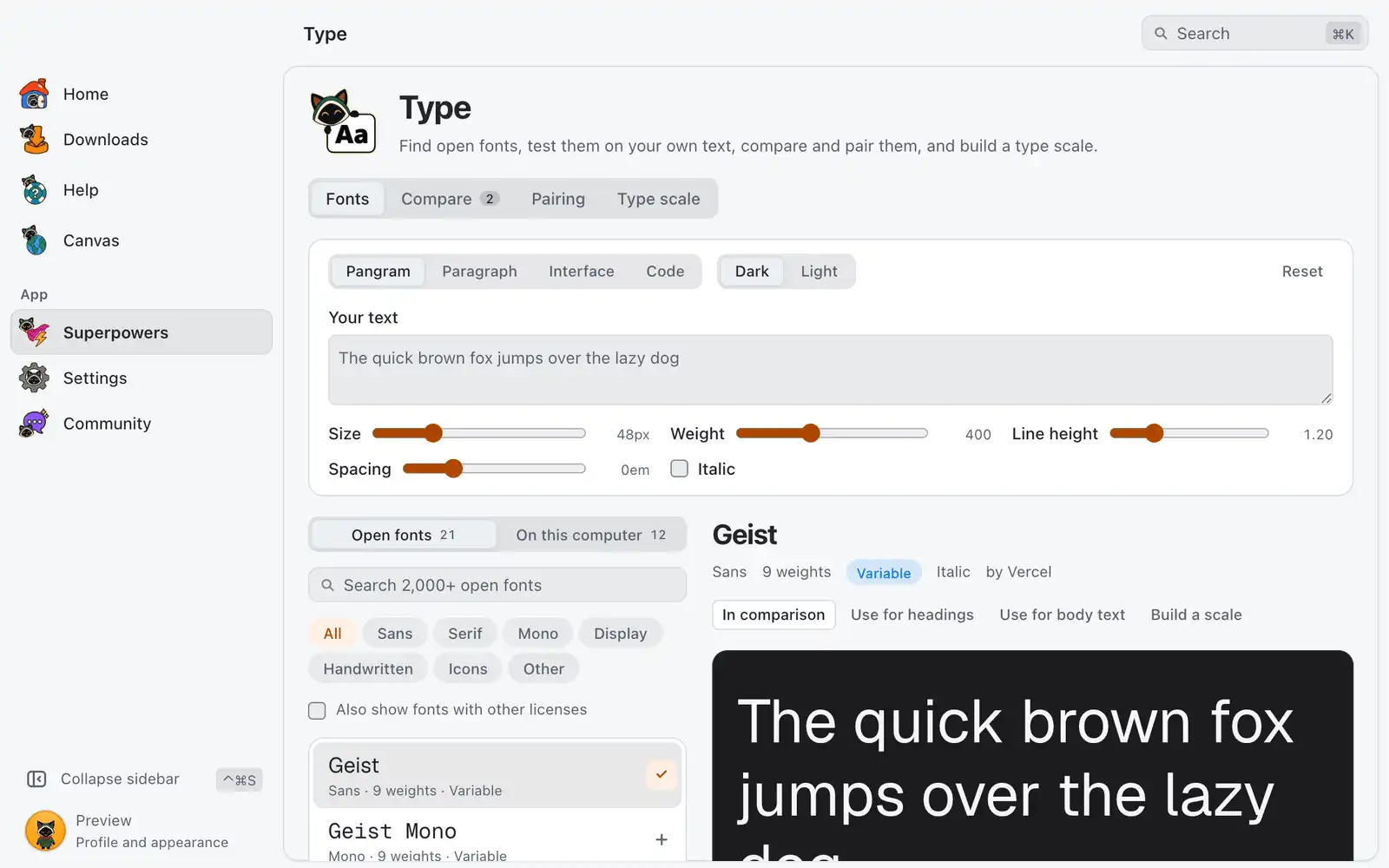
Type New in 1.0.1
Browse open fonts like Geist, Inter and JetBrains Mono, preview them on your text, compare and pair them, build a type scale and install them in one click.
-
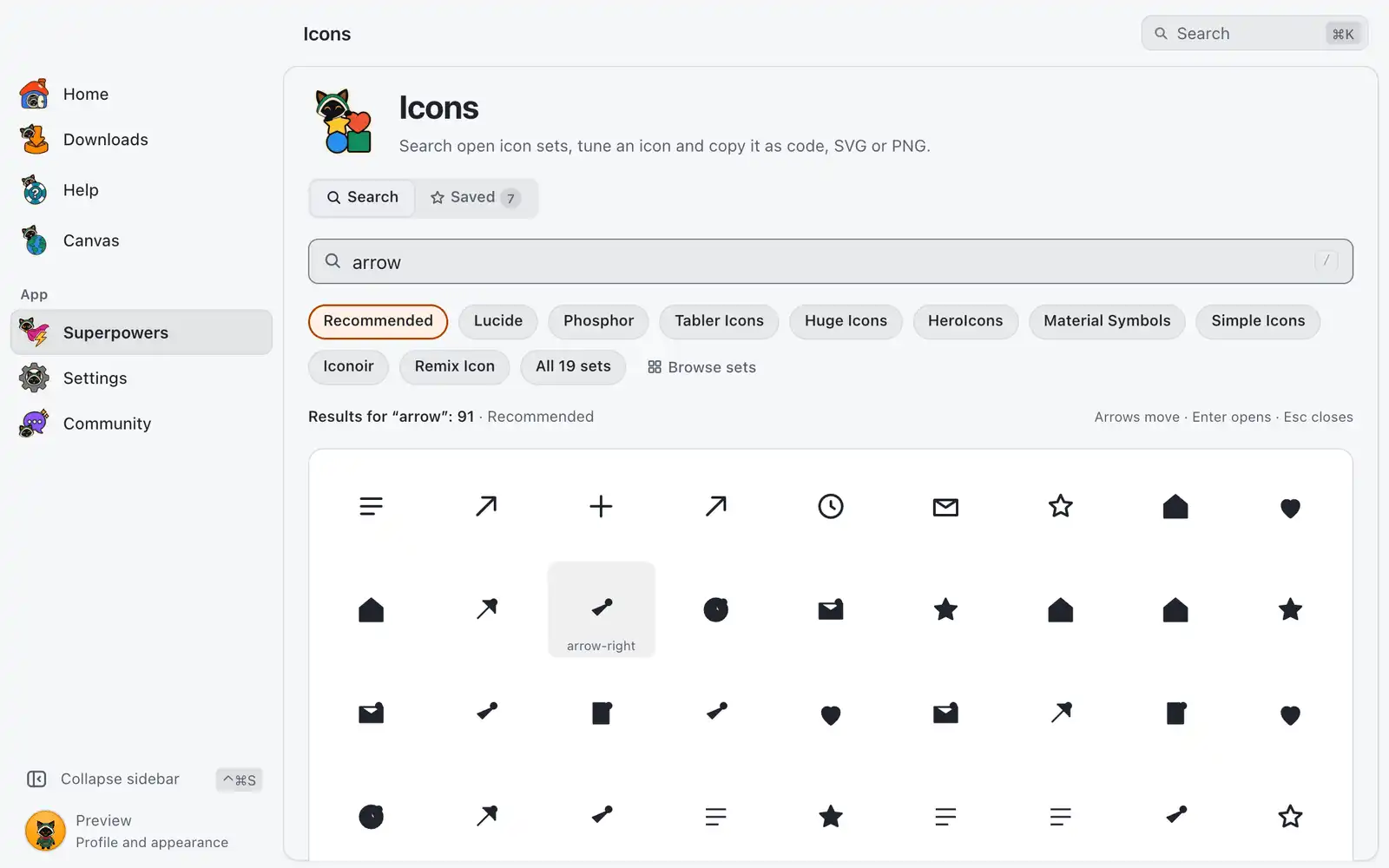
Icons New in 1.0.1
Search hundreds of open icon sets, tweak color and stroke, copy as SVG, Svelte or React.
-
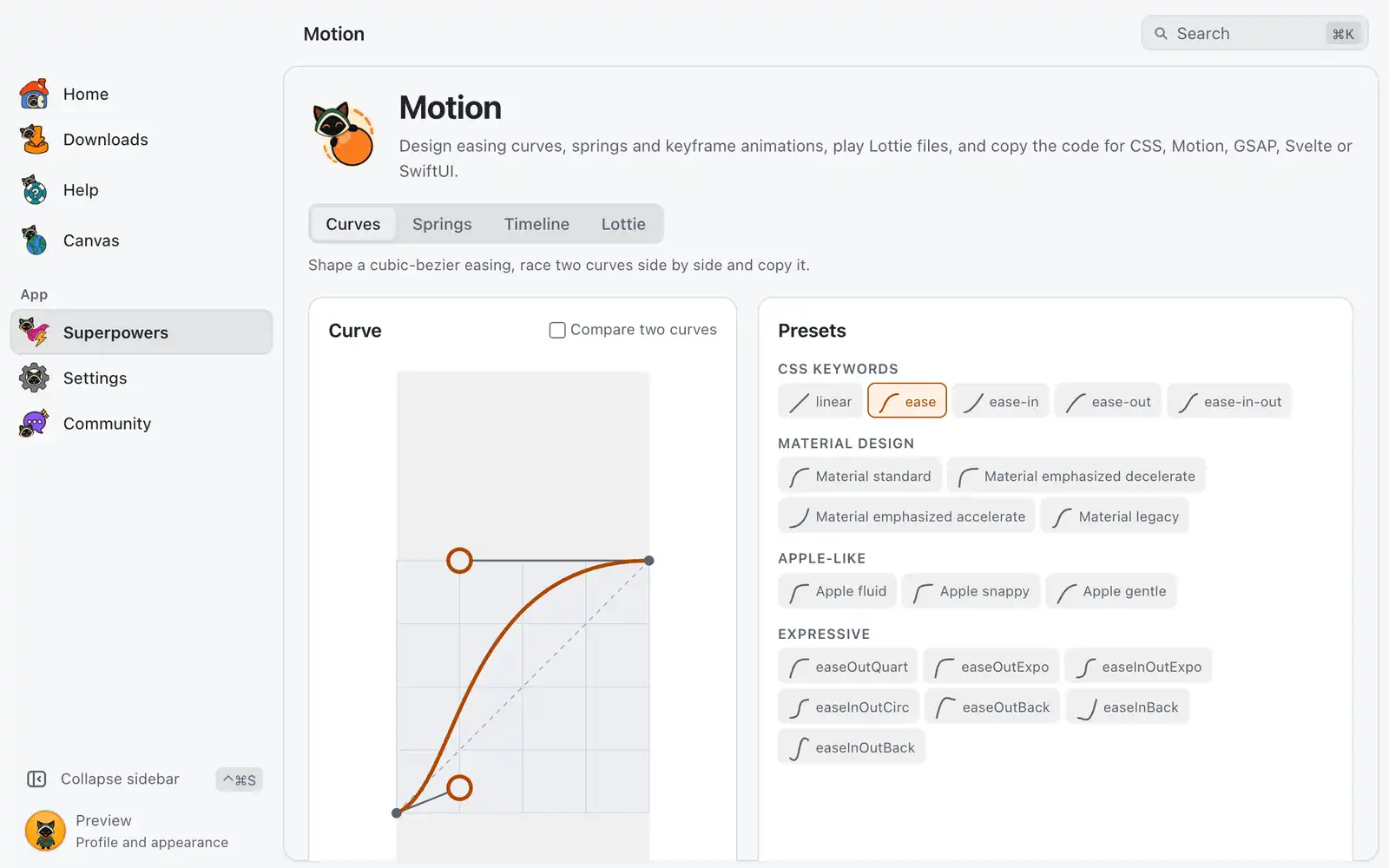
Motion New in 1.0.1
Design easing curves and springs, animate keyframes, play Lottie files and export the code.
-
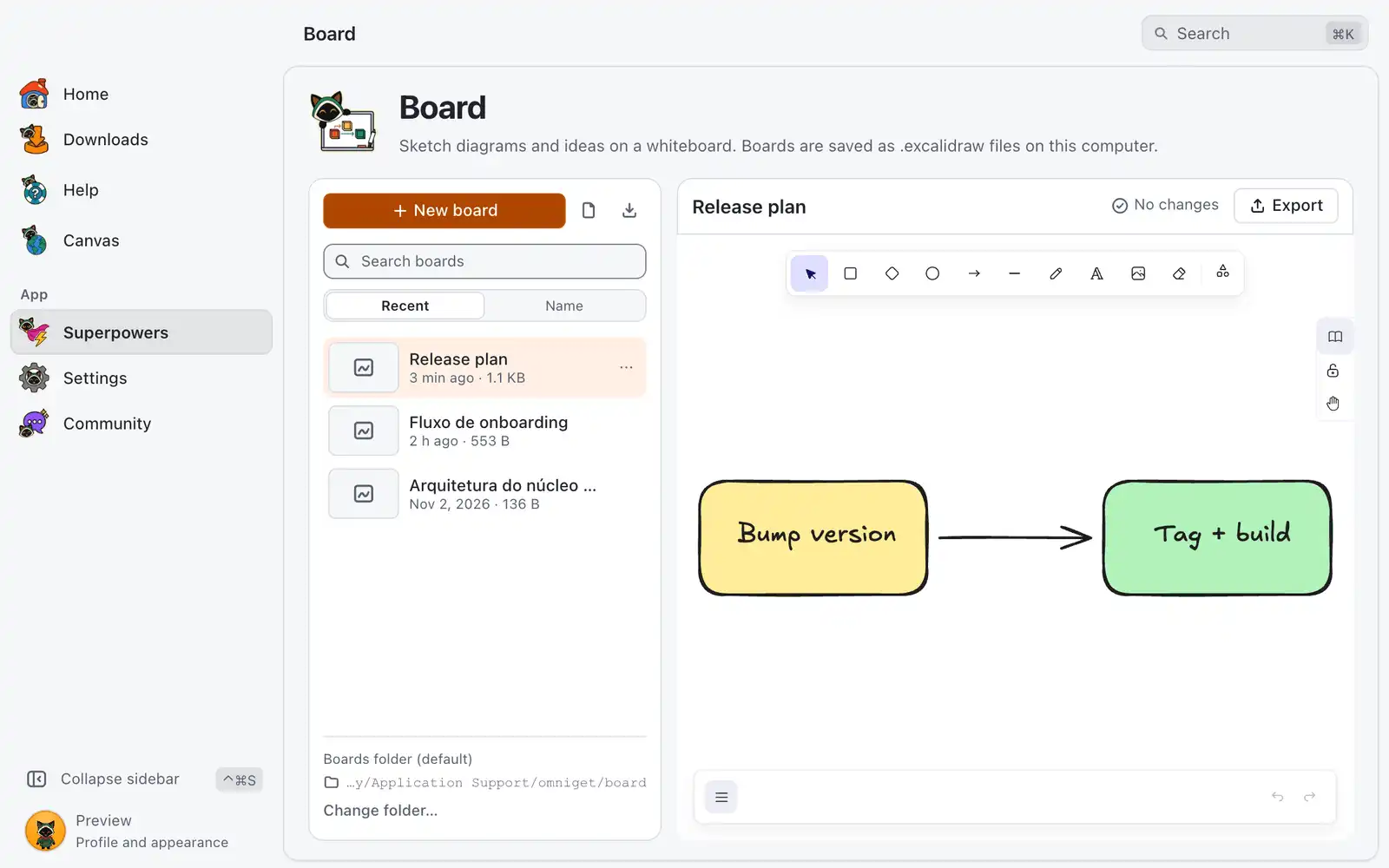
Board New in 1.0.1
Whiteboard for diagrams and sketches, saved as .excalidraw files with autosave and PNG/SVG export.
-
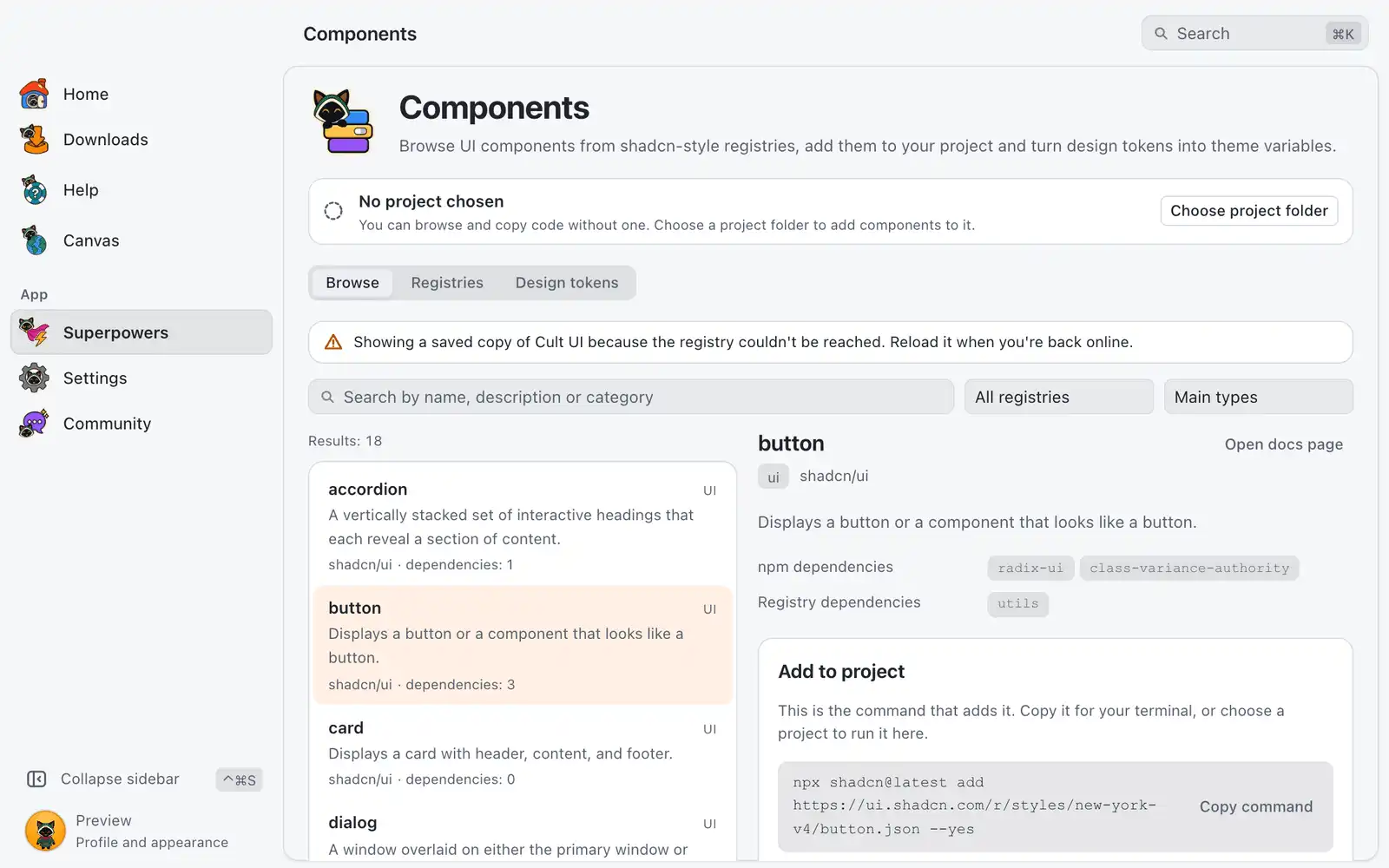
Components New in 1.0.1
Browse shadcn/ui, Magic UI, React Bits and other registries, add components to your project and turn design tokens into theme variables.

Developer
Small tools you would otherwise open a website for.
-
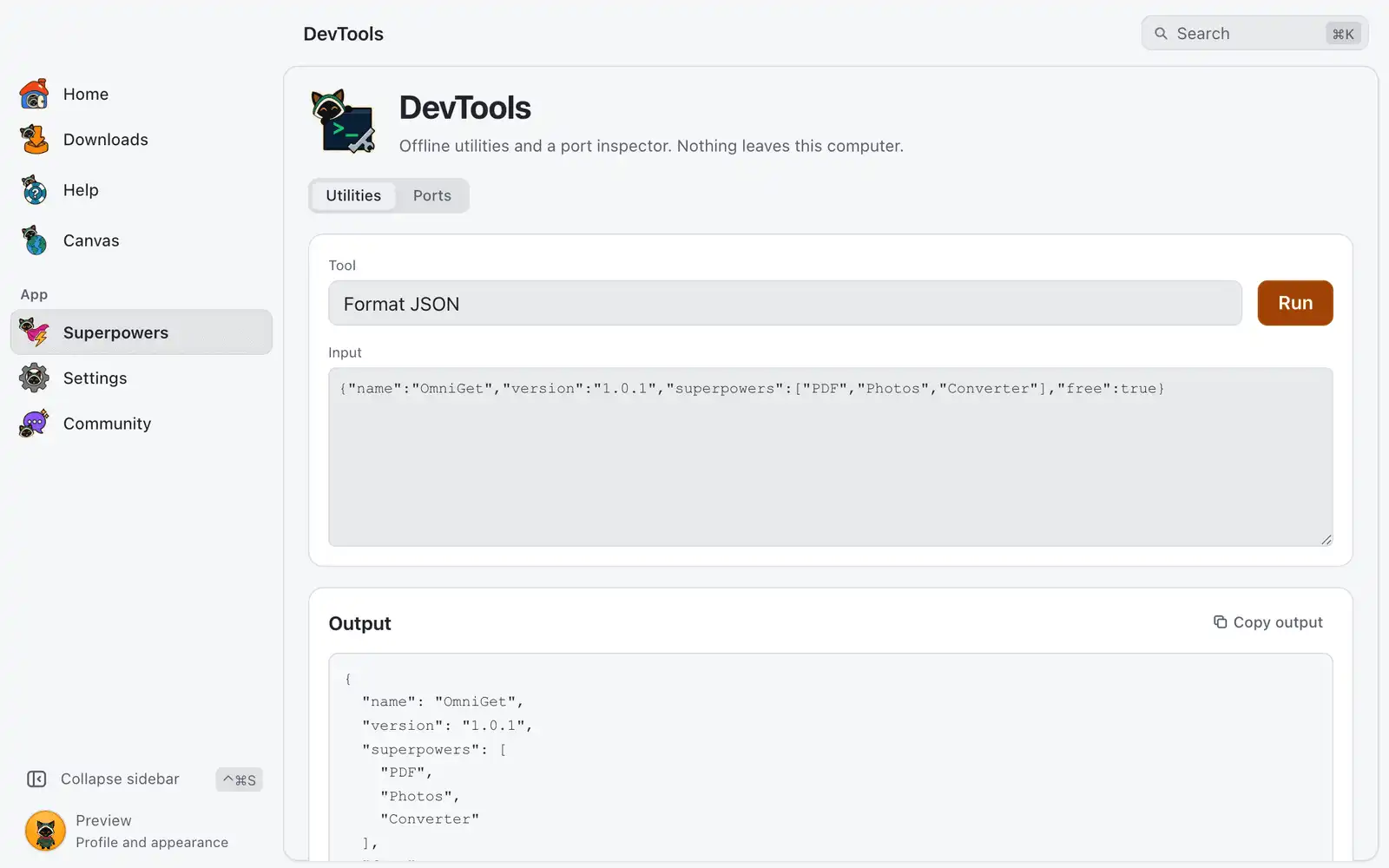
DevTools New in 1.0.1
Offline utilities for JSON, JWT, hashes, regex and diffs, plus a port inspector.
-
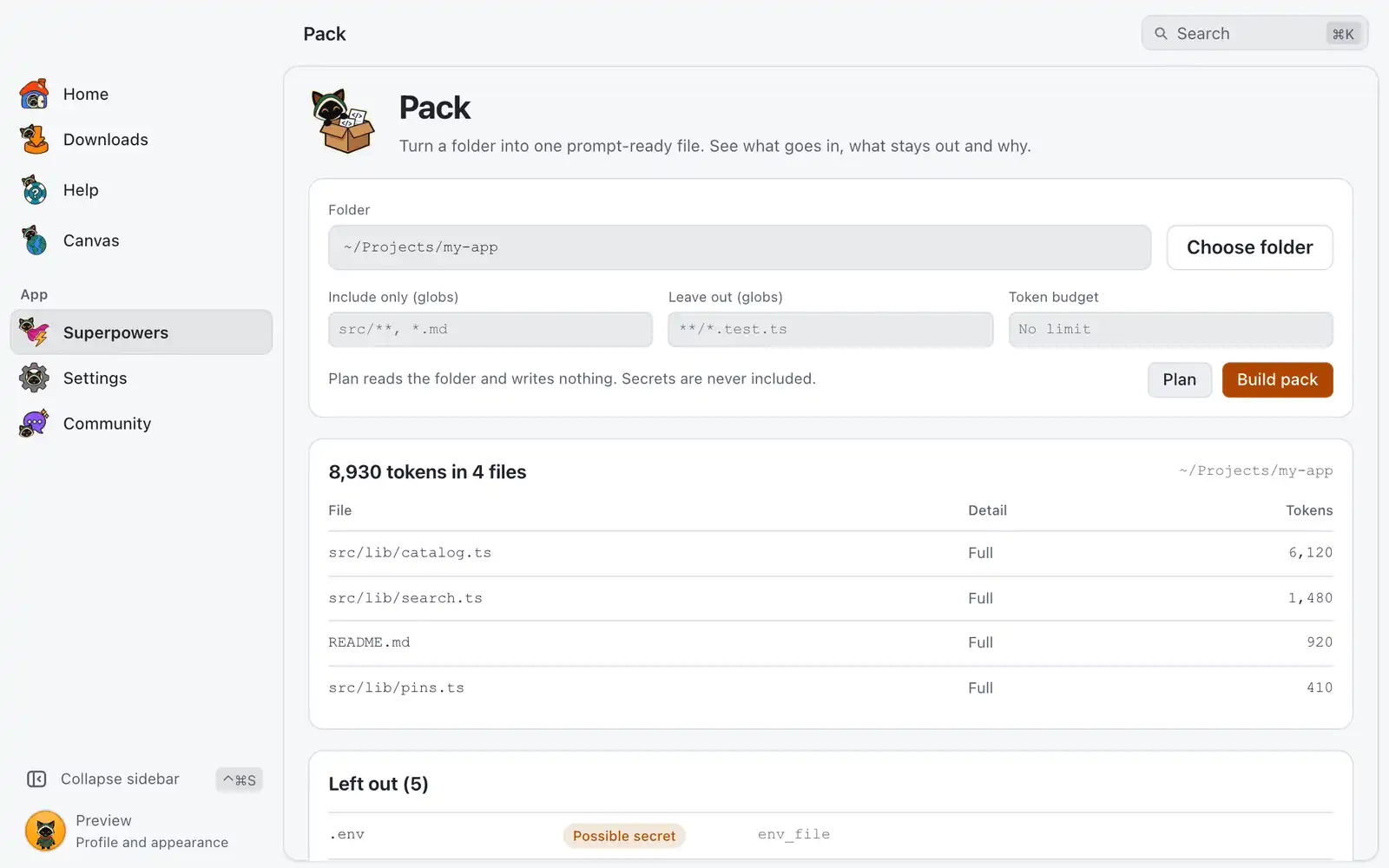
Pack New in 1.0.1
Turn a folder or repo into one prompt-ready file, with a token budget and a secret scan.
-
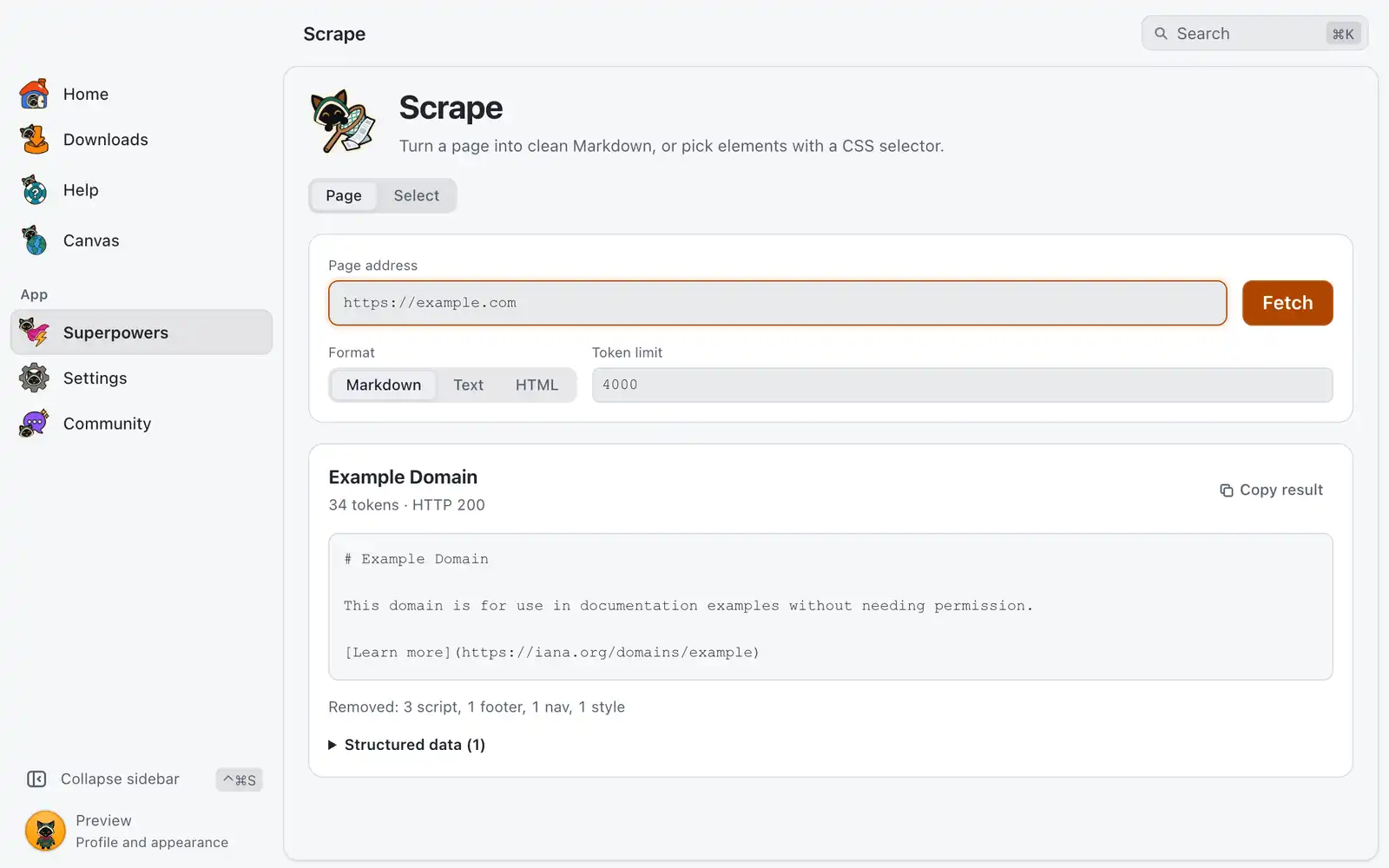
Scrape New in 1.0.1
Turn any page into clean Markdown, or pick elements by selector.
-
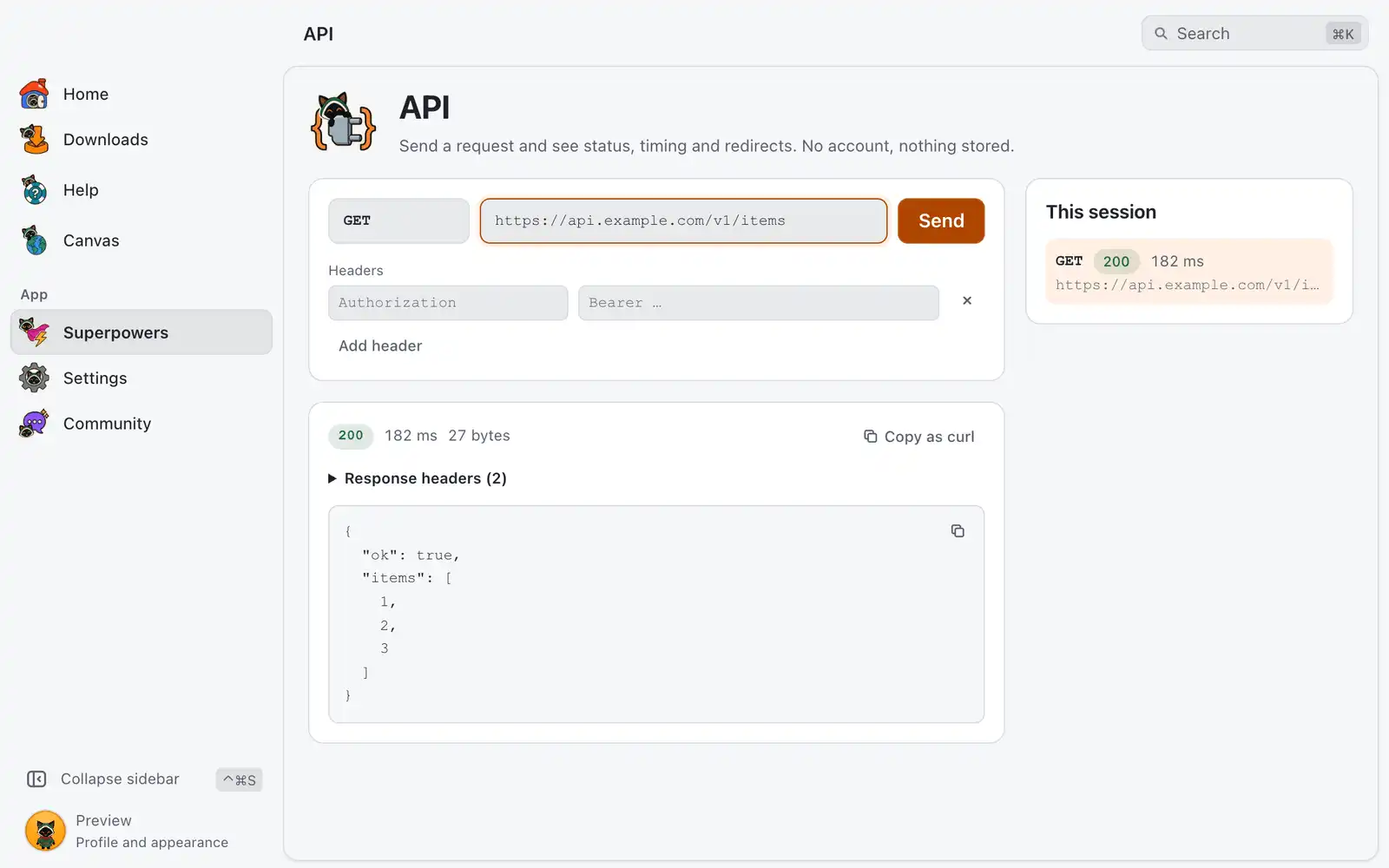
API New in 1.0.1
Send HTTP requests and inspect status, timing and redirects. No account.

System
Move files to your servers and keep this computer clean.
-
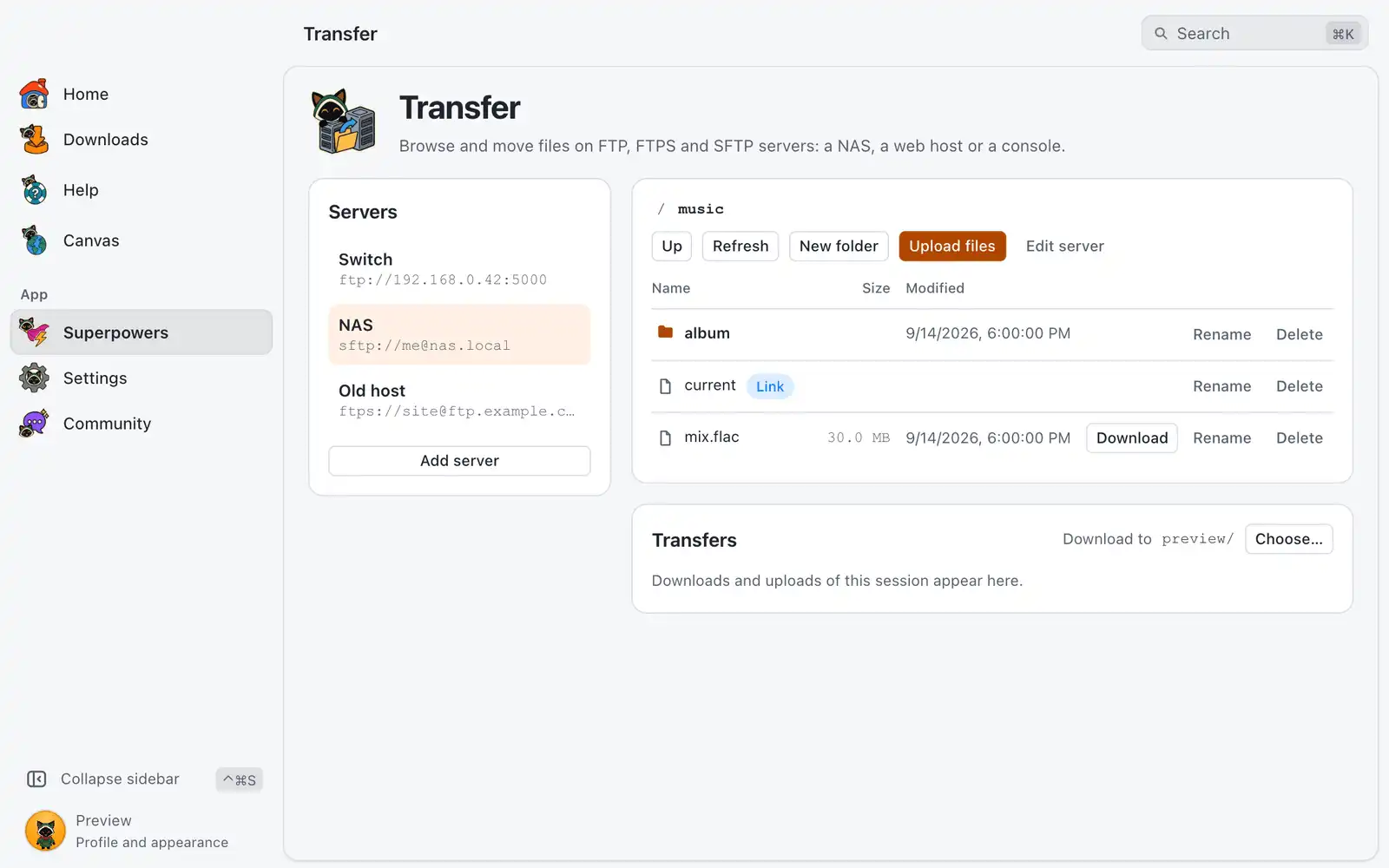
Transfer New in 1.0.1
Browse, download and upload files on FTP, FTPS and SFTP servers, like a NAS, a web host or a console. Your agents get the same tools over MCP.
-
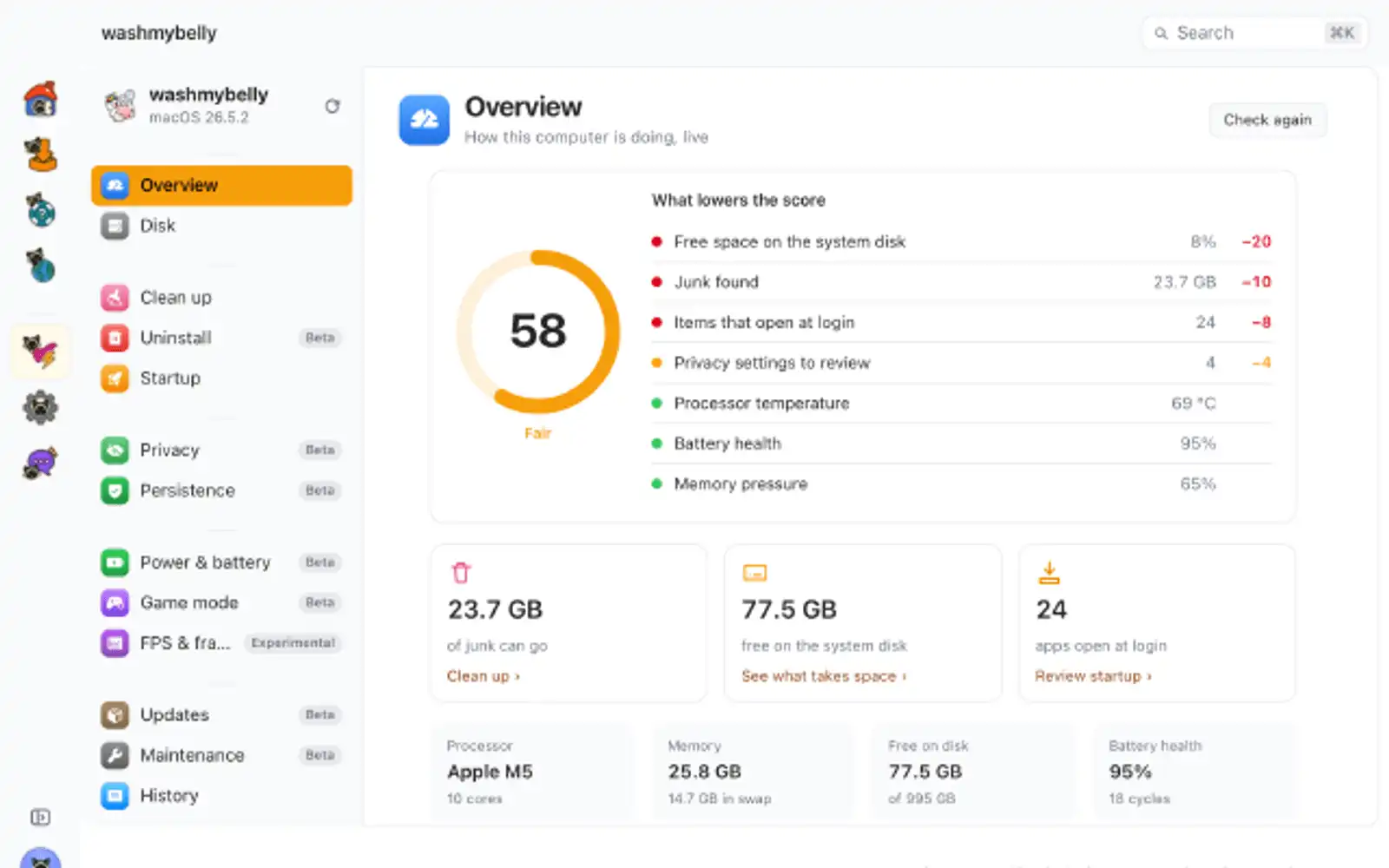
washmybelly
Clean junk, uninstall apps for real, tame what opens at login, privacy, battery and honest FPS numbers. Shows only what exists on this computer.

Games
A helper for the match you are playing.
-
League of Legends
Live match helper: enemy cooldowns, gold and scouting for League of Legends.
All of them come in one download.
OmniGet is free and open source. There is no account and no paid plan.
Social
Your own accounts in one window, with the same tools open to your agents.
WhatsApp New in 1.0.1
Link WhatsApp and download photos, videos, audio and documents from any chat, or export whole conversations.
Sign-inMCP Read the guide: WhatsApp
Discord New in 1.0.1
Read and reply to your Discord servers and DMs, and download a channel's media or export its history to HTML, JSON or text.
BrowserSign-in Read the guide: Discord
X New in 1.0.1
Read your X timeline, profiles and replies, and post, like, repost or follow. Your agents get the same tools over MCP.
BrowserSign-inMCP Read the guide: X
Instagram New in 1.0.1
Read your Instagram feed, profiles, posts and comments, and like, comment or follow. Your agents get the same tools over MCP.
BrowserSign-inMCP Read the guide: Instagram
TikTok New in 1.0.1
Browse your TikTok For You feed, profiles, videos and comments, and like, comment or follow. Your agents get the same tools over MCP.
BrowserSign-inMCP Read the guide: TikTok
Reddit New in 1.0.1
Browse your Reddit front page, communities, posts and comment trees, and vote, comment, post or save. Your agents get the same tools over MCP.
BrowserSign-inMCP Read the guide: Reddit
Pinterest New in 1.0.1
Browse your Pinterest home feed, boards and pins, search ideas, and save pins or follow people. Your agents get the same tools over MCP.
BrowserSign-inMCP Read the guide: Pinterest
GitHub New in 1.0.1
Follow repositories, releases, issues, stargazers and trending projects on GitHub, and star, follow or comment with your own token. Your agents get the same tools over MCP.
Sign-inMCP Read the guide: GitHub
Research New in 1.0.1
Public data from TikTok, Instagram, YouTube, Reddit, ad libraries and more through your ScrapeCreators key, plus creator, content brief, ad and Reels research. Your agents get the same tools over MCP.
Sign-inMCP Read the guide: Research