Download
Sites and engines
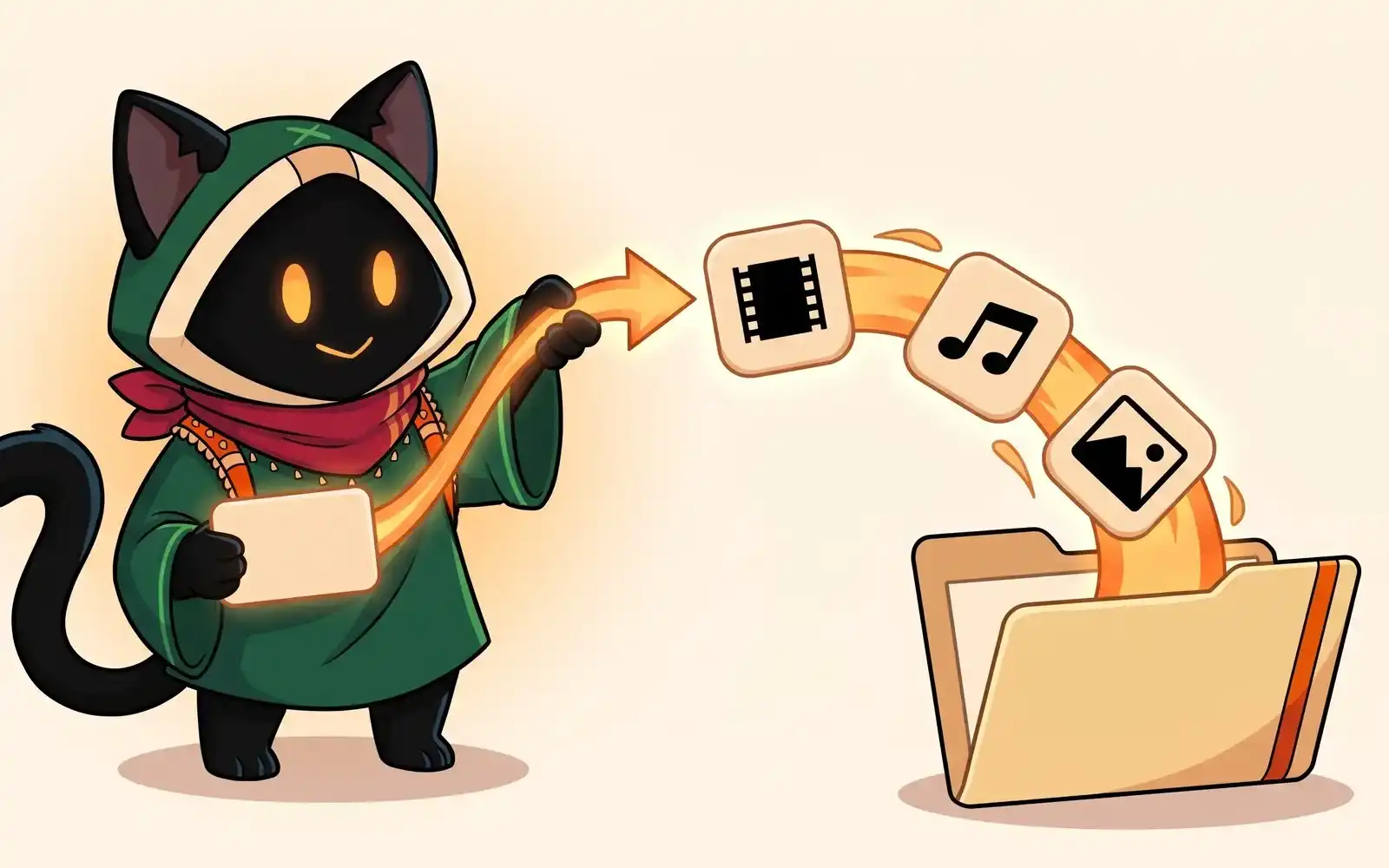
OmniGet picks an engine for every link you paste. A dozen big sites have handlers of their own; galleries, direct files, streams and torrents have their own paths; everything else goes to yt-dlp, which knows 1,000+ sites.
Where it is
There is nothing to choose: OmniGet picks the engine when you paste a link on Home. The site it recognized shows under the box (for example YouTube · Video). In the Queue, each item’s Command line shows the engine that ran it.
How OmniGet picks the engine
OmniGet looks at the link and uses the first engine that fits it.
Sites with their own handler
- YouTube
- Instagram: public posts, reels and carousels
- Threads
- TikTok
- X (Twitter)
- Twitch: clips
- Bluesky
- Vimeo
- Douyin
- Bilibili (see Bilibili)
Other Twitch links, such as past broadcasts, go to yt-dlp.
Telegram has its own area in OmniGet, where you sign in with your account and browse your chats. See Telegram. A t.me link pasted on Home goes to yt-dlp.
Galleries: gallery-dl
Links to image galleries and whole profiles go to gallery-dl, for example DeviantArt, Pixiv, ArtStation, Flickr, Tumblr and Imgur, a subreddit or a Reddit user page, and the media page of an X profile. To keep a profile up to date, use Downloads › Tools › Profile sync (Download tools).
Direct files
A link that ends in a file name, such as an archive, an installer, a document or an image, is downloaded as a plain file. The Quality and more options are not shown for it. OmniGet also checks unknown links and treats them as files when the server says they are one.
Streams: HLS
A link to an .m3u8 playlist is downloaded as an HLS stream and saved as one video. For a live HLS stream, use Downloads › Tools › Record a live.
Torrents and magnet links
magnet: links and .torrent files go to the built-in BitTorrent engine. See Torrents and magnet links.
Share codes
A p2p: code receives a file from another OmniGet user. See Send a file with a code.
Everything else: yt-dlp
Any other http:// or https:// link goes to yt-dlp, which supports 1,000+ sites. Click See supported sites when OmniGet cannot open a link to see yt-dlp’s list. You can update yt-dlp in Dependencies.
Known limits
- YouTube live streams on air are not downloaded from the box on Home. Use Downloads › Tools › Record a live, or wait for the replay. See SponsorBlock, chapters and live streams.
- Instagram Stories are not supported. Posts, reels and carousels are.
- DRM: OmniGet does not break DRM or paywalls. Protected streams are not downloaded or recorded.
- A few sites are left out at their owners’ request; their links show OmniGet can’t open this site yet.
- Support for any site can break when the site changes. Updating yt-dlp in Dependencies usually fixes it.
Common problems
OmniGet can’t open this site yet.
yt-dlp has no extractor for this page, or the link is not a page with media. Check the link, then click See supported sites.
A site that used to work stopped working
The site changed. Update yt-dlp in Settings › Advanced › Dependencies and try again. If it still fails, copy the error Details and see Troubleshooting.
It needs a login
Private or members-only content needs your own account. See Accounts and cookies.